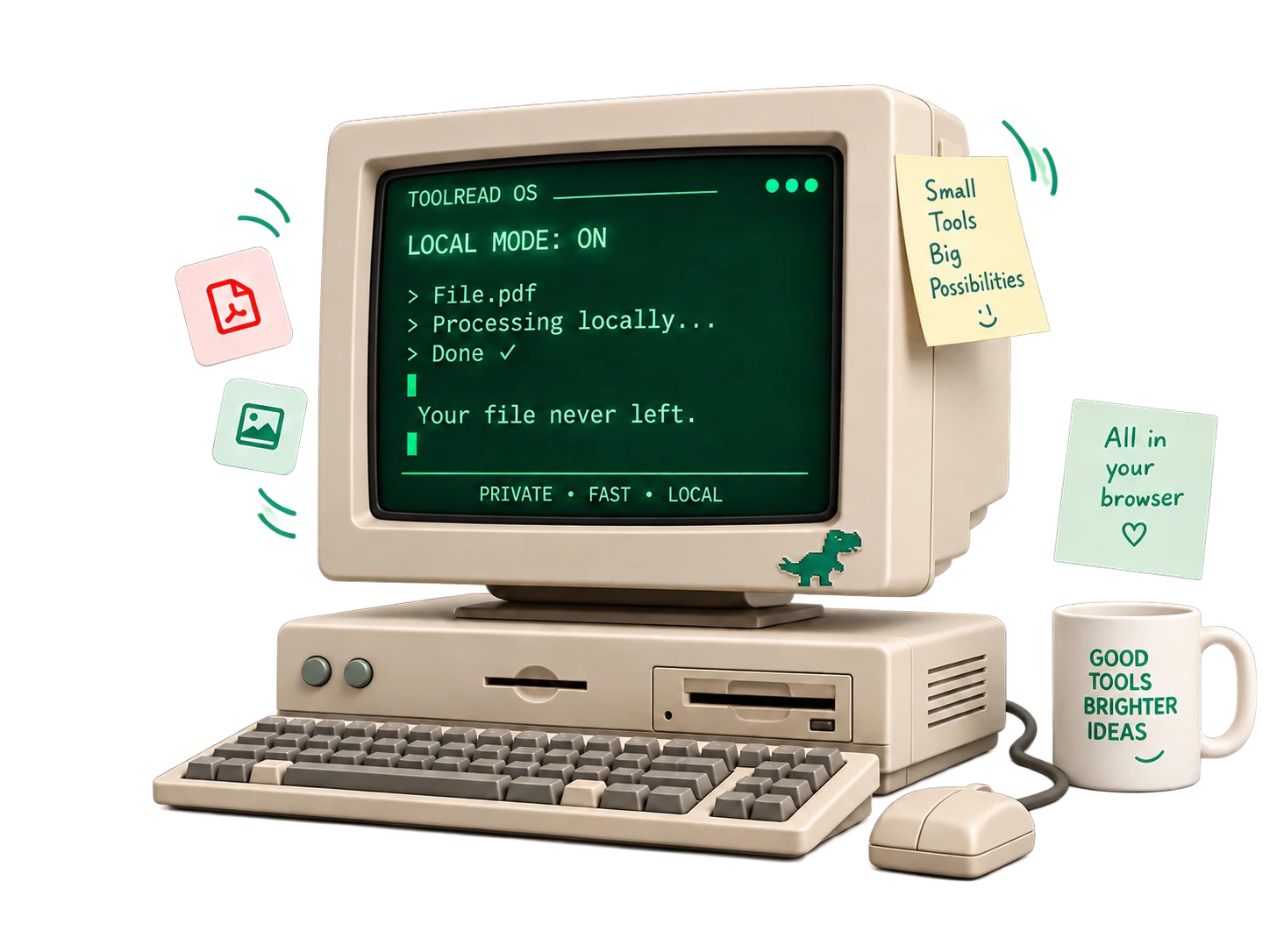
Most online tools upload your file to process it. Here, the work happens on your device.
Your file never leaves
Processed in your browser, not on a server
Other sites send your file to their computers and send the result back. ToolRead does the work inside the page you already have open.
No upload wait, even for large files
No copy of your file on anyone's server
Safe for ID cards, bank statements and contracts
Results you can check
0.42 bags × 4,000 sq ft= 1,680 bags
Numbers with their working shown
Where it matters, calculators show the figures behind a result. Estimates are labelled as estimates, and ranges replace confident single guesses.
Clear PDF reports you can share
Search that understands typos — “mrege pdf” still works
Save your work on your device — no account
ToolRead next to the usual way.
What changes when the work happens on your device.
What matters
Most online tools
ToolRead
Where your file goes
Uploaded to their server
Stays on your device
Before you start
Wait for the upload
Starts instantly
Account
Often needed after a few uses
Never needed
Watermark
Sometimes, on free plans
Never
Daily limits
Common on free plans
None
Price
Free tier, then a subscription
Free
Very large files
Their server does the heavy work
Your device does the work — older phones can be slower
Works on phones
Yes
Yes
“Most online tools” describes the common upload-based model. Some sites work differently — we would rather be precise than flattering.
Questions, answered.
The short version of how ToolRead works.
What is ToolRead?
A free collection of everyday tools — compress and merge PDFs, resize photos, work out loans, plan building costs, pull frames from videos and more. Every tool runs in your web browser, so your files stay on your device.
Is it really free? How do you make money?
Every tool is free to use today, with no account and no subscription. To keep it that way, ToolRead may show ads in the future.
How can it work without uploading my file?
Modern browsers can do real work — read PDFs, edit images, decode video. ToolRead sends the tool to your browser, and your browser does the job on your own device. The file is never sent to us or anyone else. You can check it yourself: open your browser's network tab while using a tool and you will see no upload.
Is it safe for ID cards, bank statements and contracts?
Your file never leaves your device, so there is no copy on a server to leak or be kept. As with any website, use an up-to-date browser on a device you trust.
Do I need an account?
No. There is no sign-up anywhere. Tools that let you save work, like Split the Bill, keep it in your own browser.
Will my files get a watermark?
No. Nothing is added to your files. The one exception is the QR poster, which has a small toolread.com line at the very bottom — you can crop it off.
Does it work on my phone?
Yes. Every tool is built for phones first and works in any modern mobile browser. Very large files are more comfortable on a laptop.
Is there a file size limit?
Files up to 500 MB are accepted. Because your device does the work, a very large file depends on how much memory it has — we warn you before starting if a file looks heavy.
Does it work offline?
Not yet. You need a connection to open a tool, but once it is open, the work itself happens on your device. Full offline support is planned.
Are the results exact?
The maths is exact for the numbers you enter. Where real life varies — loan fees, local building rates — the tool says so and shows a range or asks for your own figure. Results are calculations, not financial, legal or professional advice.